Visual workflow management
See all your community issues at a glance. Our Kanban board lets you drag and drop issues through your workflow, while the table view gives you sortable, filterable lists for detailed analysis.
- Drag-and-drop Kanban boards for visual workflow management
- Table view with sorting and filtering
- Quick filters by category, assignee, or building
Track every issue to resolution
Our smart status workflow ensures nothing falls through the cracks. Each status change is logged, creating a complete history of every issue from first report to final resolution.
- Seven statuses, from New to Closed
- Automatic notifications when status changes
- Assignee tracking with responsibility handoffs
- Due dates, with overdue issues first
One list for residents, a board for managers
Residents report a problem in one short form and follow it in one list, open issues first. Managers see the same issues on a board, where they assign each job, set its priority and due date, and spot what is overdue.
- Report a problem in one dialog
- Residents see one list, open issues by default
- Photos and comments keep the whole history on one page
- Managers assign, prioritise and set due dates
Data that drives better decisions
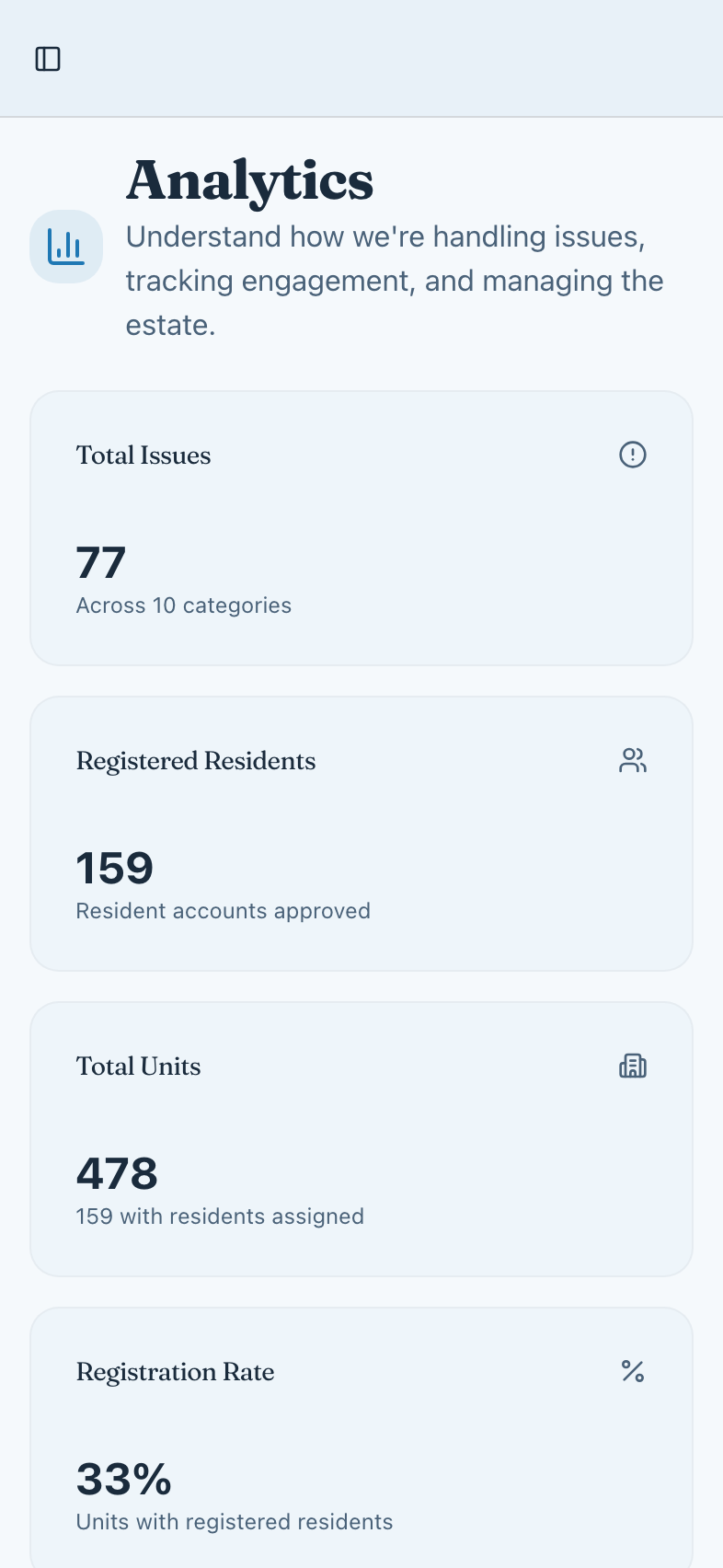
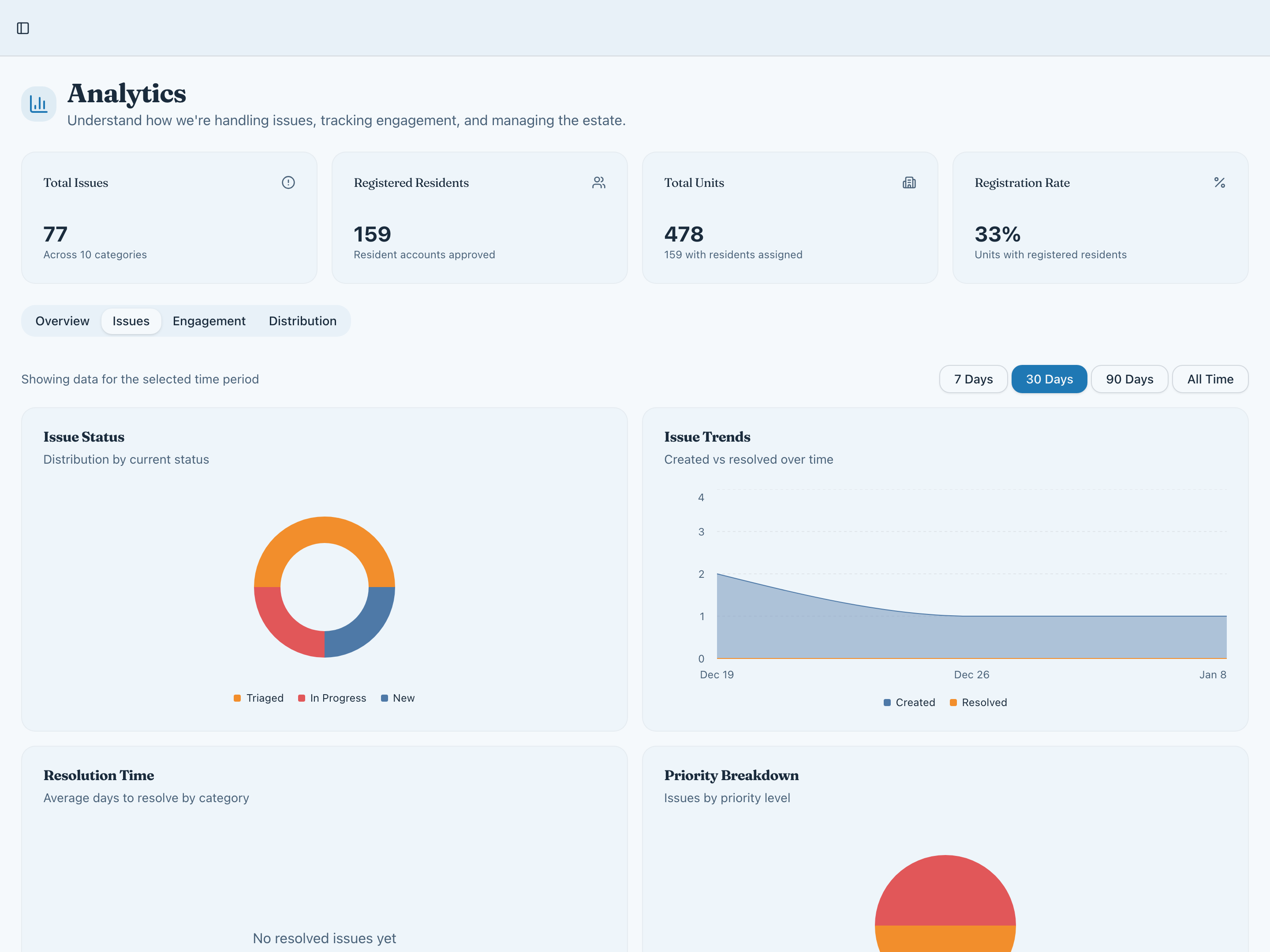
Move beyond gut feelings. Our analytics dashboard gives you real insights into issue trends, resolution times, and community engagement—so you can make data-driven decisions about where to focus resources.
- Issue status distribution and resolution trends
- Response time analysis by category and priority
- Engagement metrics and activity tracking
- Time range filters for historical comparison
Everything you need for issue management
Report a problem
One short form in a dialog. Add photos once the issue is logged.Board and table
Managers switch between the board and the table. Residents see one list.Smart status workflow
New → Triaged → In Progress → Awaiting External → Blocked → Resolved → Closed.Priority management
Flag urgent issues, assign responsibility, and set due dates to keep everything on track.Customizable categories
Start from ready-made categories—Repairs and maintenance, Cleaning, Security and access—and add your own.Full audit trail
Every change logged with who, what, and when. Complete accountability and transparency.File attachments
Upload photos and documents as evidence. Show exactly what needs to be fixed.Comments
Discuss the fix right on each issue, where everyone can follow it.
Ready to run your estate in the open?
Join the Founding 5 — the first estates building a new standard for residential transparency.